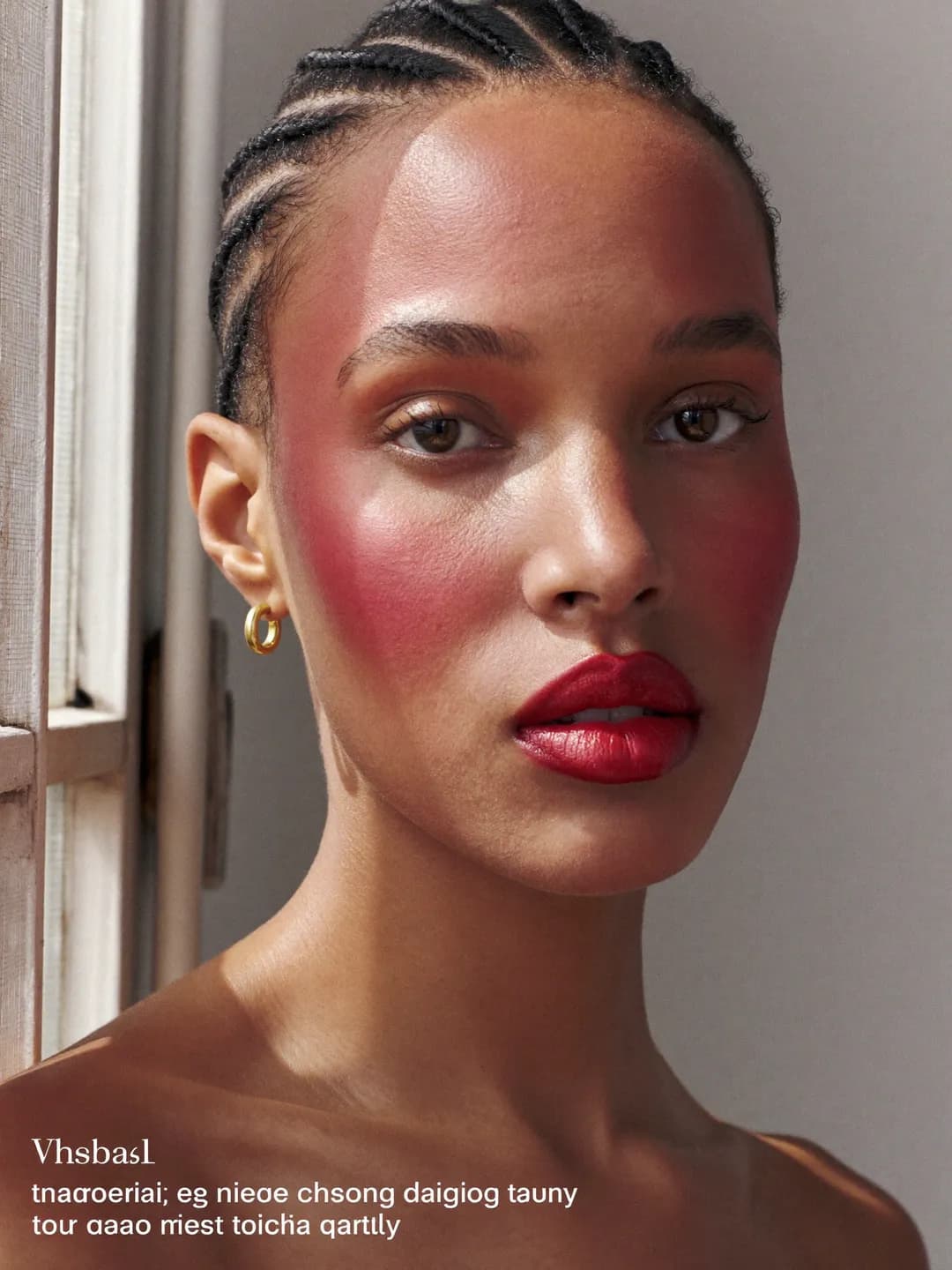
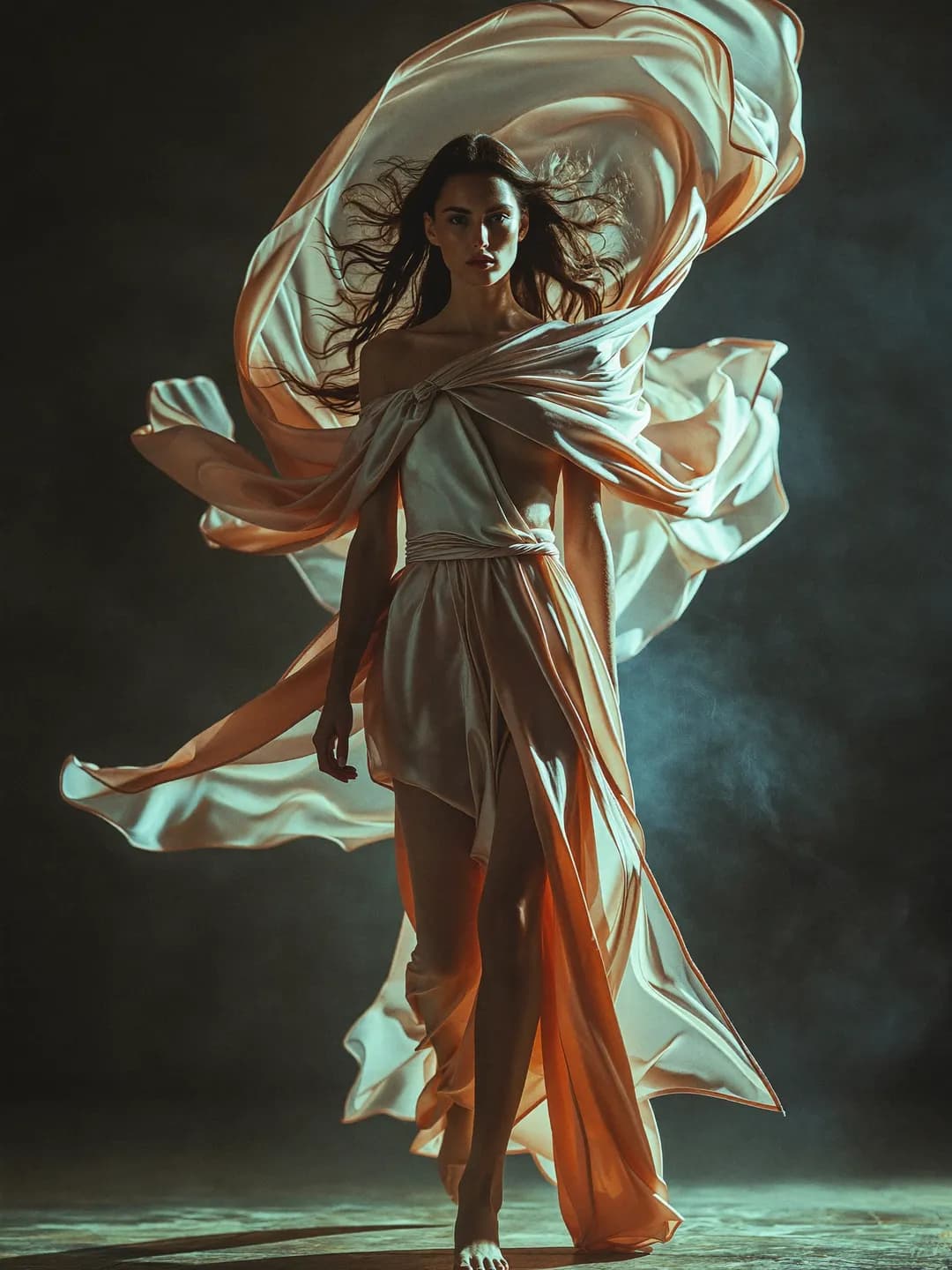
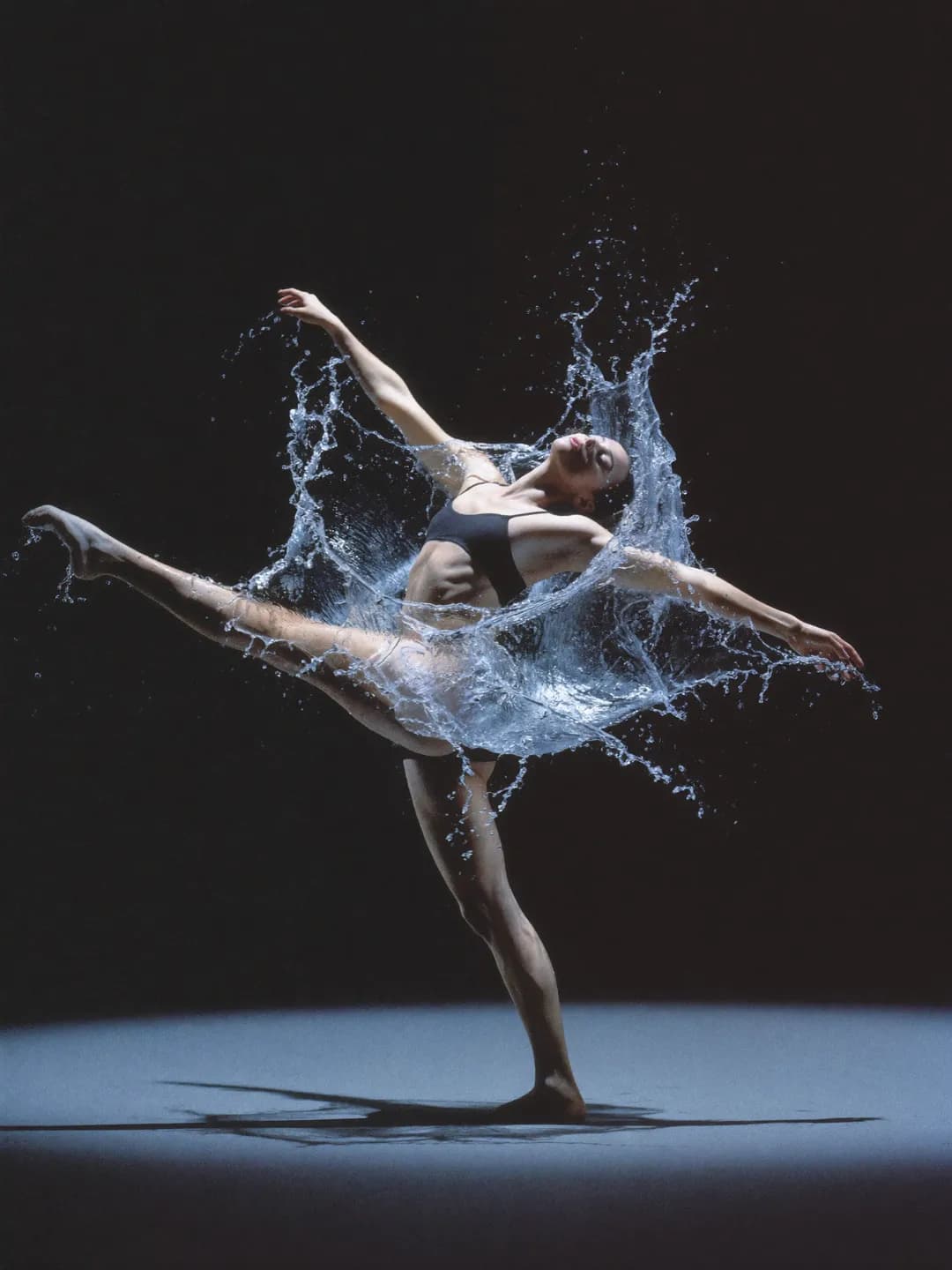
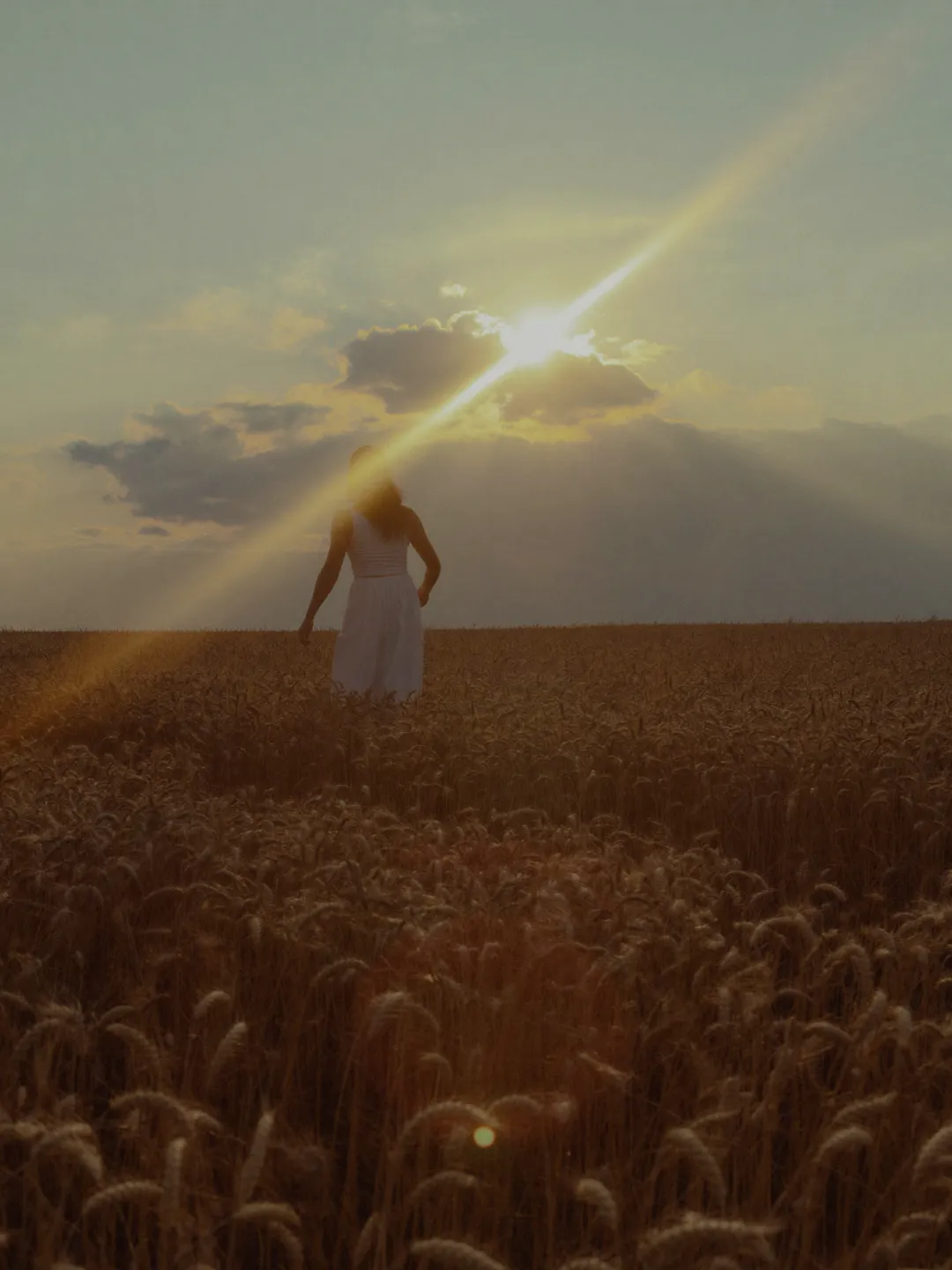
One canvas.
Every workflow.

Moodboard, chain workflows, and share with your team — all on one canvas.

The canvas editor: a node-graph workspace for chaining text, image, and video models

How to start creating

  1. Creator portrait placeholder 12

    Step 1

    Drop a node

    Any prompt, image, or reference becomes your starting point.

  2. Creator portrait placeholder 13

    Step 2

    Chain your flow

    Connect nodes, mix models, build something bigger than a single render.

  3. Creator portrait placeholder 14

    Step 3

    Create together

    Share a link and collaborate live on the same canvas, simultaneously.

A visual workspace

The canvas is a node-based editor where prompts, images, and video models connect into a single creative pipeline.No code. No switching tabs. Just drag, connect, and generate.

Node-based composition

Chain prompts, style transfers, motion nodes, and render outputs. Every connection is live, every output is a node you can branch from.

Gallery placeholder 6

Multi-model in one graph

Run any image and video model side by side and route outputs between them. Compare options without switching tabs.

Video thumbnail placeholder 5

The canvas your whole team works in

One shared space for prompts, models, and outputs. Your team edits live, every version is saved, and nothing gets lost in a Slack thread.

Portrait placeholder 7

Get access to new models on the day they launch

The world’s best AI generators,
unlimited

Use one or use them all. Best-of-breed image and video models, integrated as a platform.

Kling 3.0 Pro
Seedance 2.0
Wan 2.6
Veo 3.1
Sora 2
FLUX.2 Pro
Nano Banana Pro

VFX

Scene & environment control

Drop your footage, swap the world behind it — no studio required.

Creator video thumbnail placeholder 9

Photography

Product & style fusion

Drop a product, add a reference — get a cinematic shot without a photographer.

Creator portrait placeholder 15

Campaigns

Model meets product

Chain a face and a product — get a campaign-ready video in one node.

Portrait placeholder 12

Architecture

Day to night, in one node

Set a start frame and an end frame — get a cinematic timelapse of any space.

Creator video thumbnail placeholder 12

Style

From set to anywhere

Two frames in, one seamless video out — no location shoot needed.

Creator portrait placeholder 18

Animation

Logo comes alive

Drop a logo, add a style reference — get an animated brand asset in seconds.

Creator video thumbnail placeholder 15

Branding

Full brand system from one logo

Drop a logo, add a palette — get a complete animated icon set in your style.

Gallery placeholder 22

Ideas

Sketch to material instantly

One sketch, multiple materials — explore every version of your idea without touching a renderer.

Portrait placeholder 15

Pick your plan

Get access to more generations and priority access to new features.

Up to 23% off

Free

For creators who want to explore before committing.

+
1,000 credits / mo.
$0

Free forever

Get Free
  • 1,000 credits one-time on signup
  • Access to selected models
  • Watermarked outputs
  • Community-grade speed

Starter

For creators who are building a consistent workflow.

+
6,000 credits / mo.

~30 Nano Banana Pro / ~8 Kling 3 videos

$15

per month, billed annually

Get Starter

No difference compared to monthly

  • Watermark removed
  • Priority queue
  • Generation history
  • Refund-on-failure credit policy
  • Commercial license
  • Top-up packs available
BEST VALUE

Plus

20% OFF

For power creators who need volume and quality.

+
30,000 credits / mo.

~150 Nano Banana Pro / ~41 Kling 3 videos

$49$39

per month, billed annually

Get Plus

Save $120 compared to monthly

  • Everything in Starter
  • 6 concurrent video jobs across studios
  • 4K image upscale
  • Commercial license
  • Lowest cost per credit

Featured models

  • Flux 2 ProINCLUDED
  • Imagen 4 UltraINCLUDED
  • Nano Banana ProINCLUDED
  • Seedream v5 LiteINCLUDED
  • Veo 3.1INCLUDED
  • Kling 3.0INCLUDED
MOST POPULAR

Ultra

23% OFF

For heavy producers who need maximum throughput.

+
100,000 credits / mo.

~500 Nano Banana Pro / ~136 Kling 3 videos

$129$99

per month, billed annually

Get Ultra

Save $360 compared to monthly

  • Everything in Plus
  • 8 concurrent video jobs
  • Early access to new models
  • Priority support
  • Commercial license

Featured models

  • Flux 2 ProPRIORITY
  • Sora 2 ProEARLY ACCESS
  • Veo 3.1PRIORITY
  • Kling 3.0PRIORITY
  • Seedance 2.0PRIORITY
  • Hailuo 2.3 ProPRIORITY

Team

Coming Soon
30% OFF

For studios + agencies running parallel projects.

+
150,000 credits / seat / mo.
$99$69/ seat

per seat / month, billed annually

Save $360 compared to monthly

  • Shared workspace + asset library
  • Roles: Owner, Editor, Viewer
  • Audit log of every generation
  • Centralized billing + invoices
  • Dedicated support channel
  • Commercial license

Prices exclude VAT and local taxes, applied at checkout. Credit burndown for the most demanding models is calculated at typical resolutions and may shift as new models land. Access to newest models and advanced features may roll out gradually and isn’t guaranteed at launch.

Got any questions left?

We've answered the most frequently asked questions.

What is the canvas, and how is it different from the rest of the studio?
The canvas is a node-based pipeline editor. Instead of running one model at a time, you wire prompts, references, and models together into a single graph and run the whole thing. Useful when a single render is not the answer.
Which models can I use inside the canvas?
Every model in our registry — image, video, edit — is available as a canvas node. Mix Flux, Veo, Kling, Sora, Seedance, and more in a single graph and route outputs between them.
How does real-time collaboration work?
Share a canvas link with anyone on your plan. Edits appear live, every node persists, and version history is automatic. Treat it like a shared document for AI generation.
Can I save a workflow and reuse it?
Yes. Save any graph as a template. Reuse it across projects, fork it for variants, or hand it to a teammate without re-explaining the recipe.
How are credits charged on the canvas?
Each model node consumes its own credits when it runs, exactly as it would standalone. Failed nodes refund automatically. There is no canvas overhead — you only pay for the generations themselves.
Can I bring my own characters and assets into the canvas?
Drop any image or video into the canvas as an input node. Saved characters from the studio are available as reference nodes. Anything you can use elsewhere you can use here.

The creative canvas
built to collab.

Get started